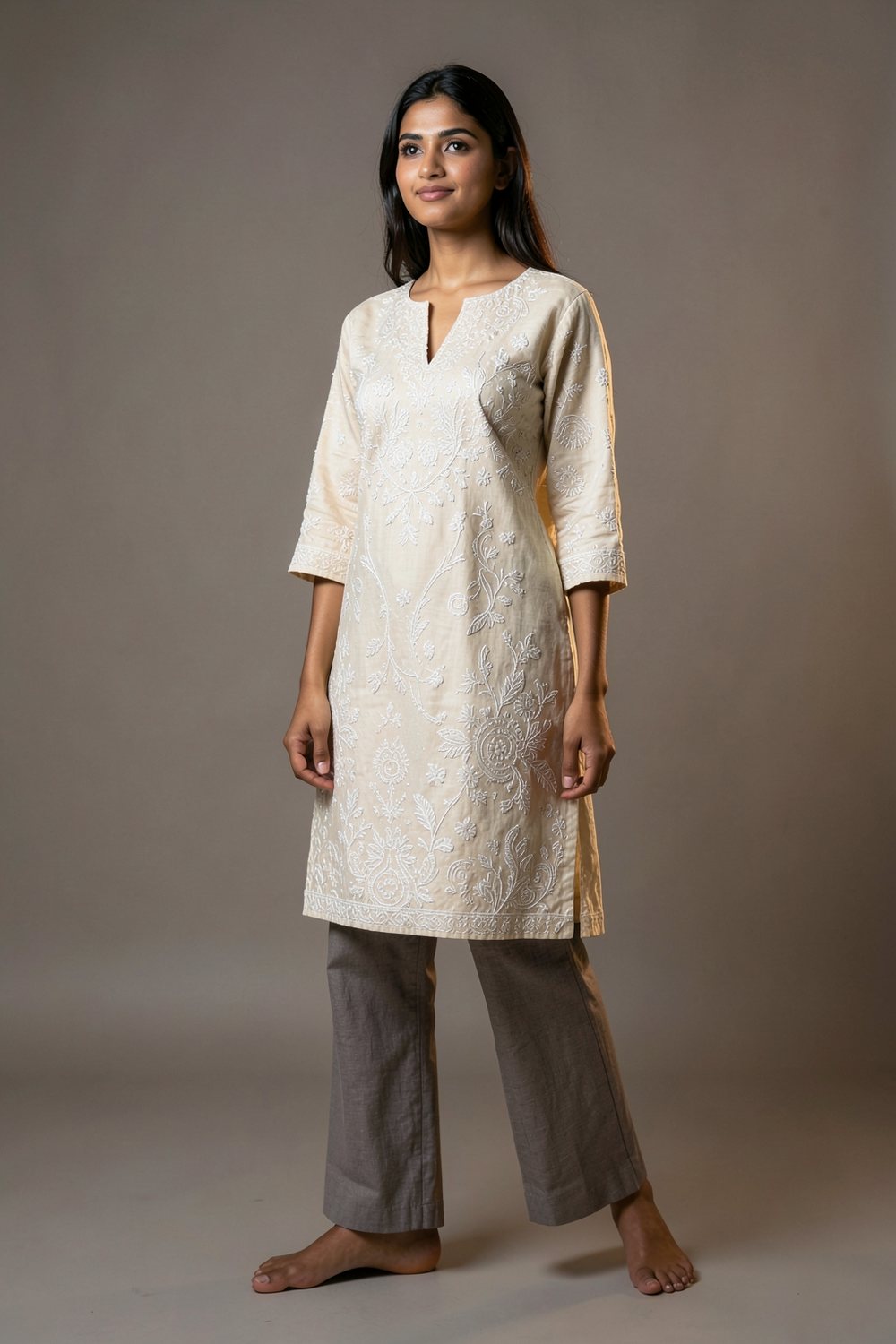
 Apparel
Ivory chikankari kurta
Embroidery and colour kept, scene rebuilt.
One photo in. A campaign frame out.
Upload a garment, bag, shoe or piece of furniture. The studio reads the design, measures the colour, and rebuilds the item in a new scene — without changing what it is.
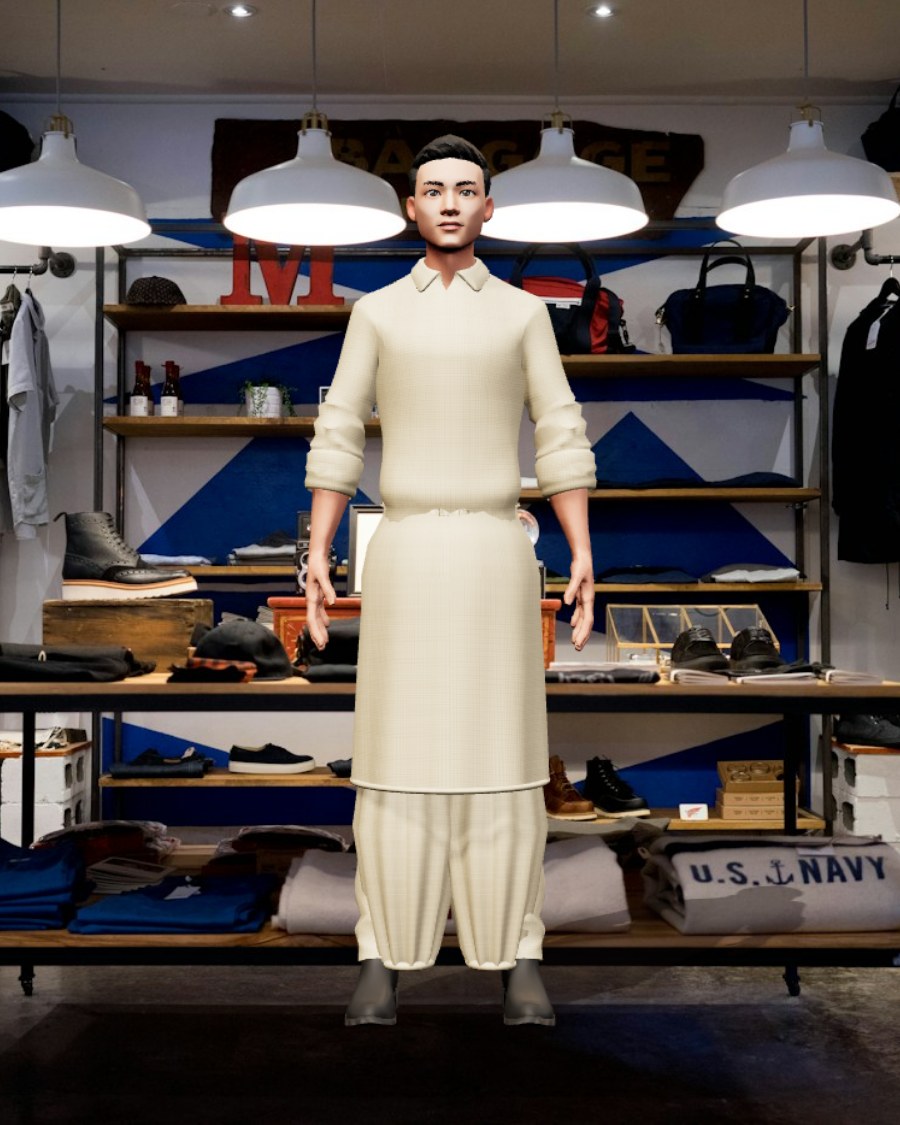
No stock photos. Every frame below was generated by the same engine you are about to use.
ApparelEmbroidery and colour kept, scene rebuilt.
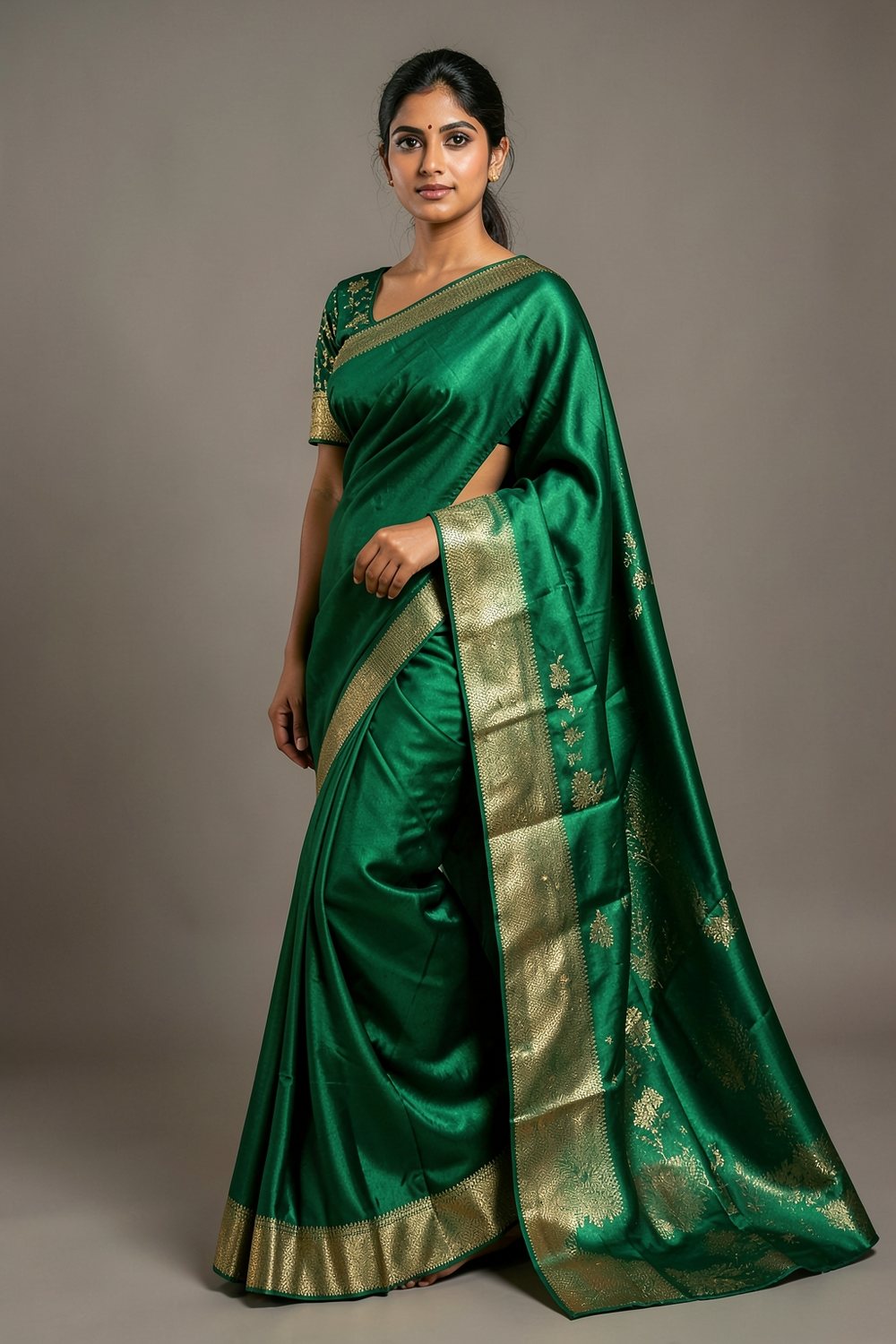 Apparel
Drape, border and zari preserved.
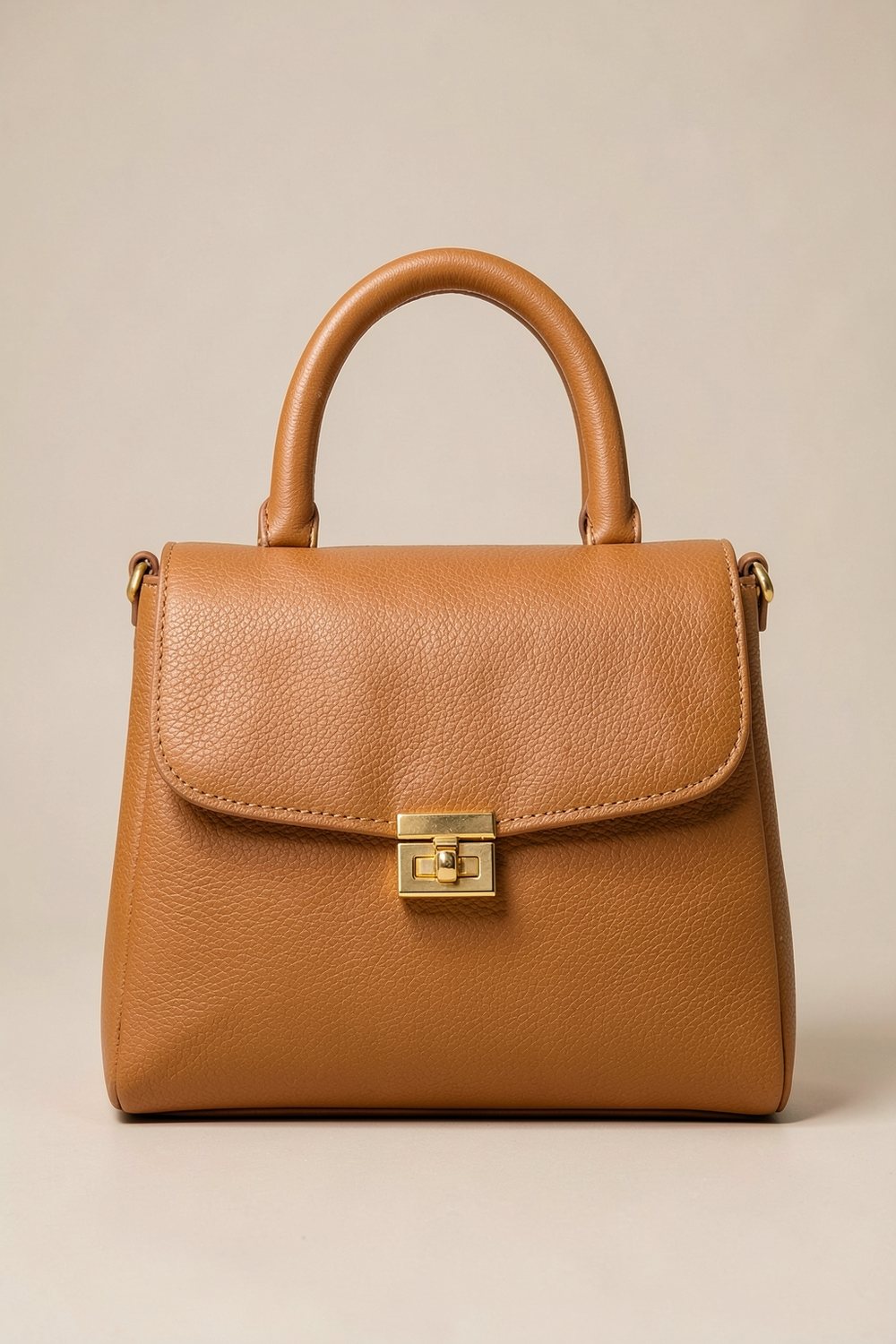 Accessories
Grain and hardware locked, backdrop replaced.
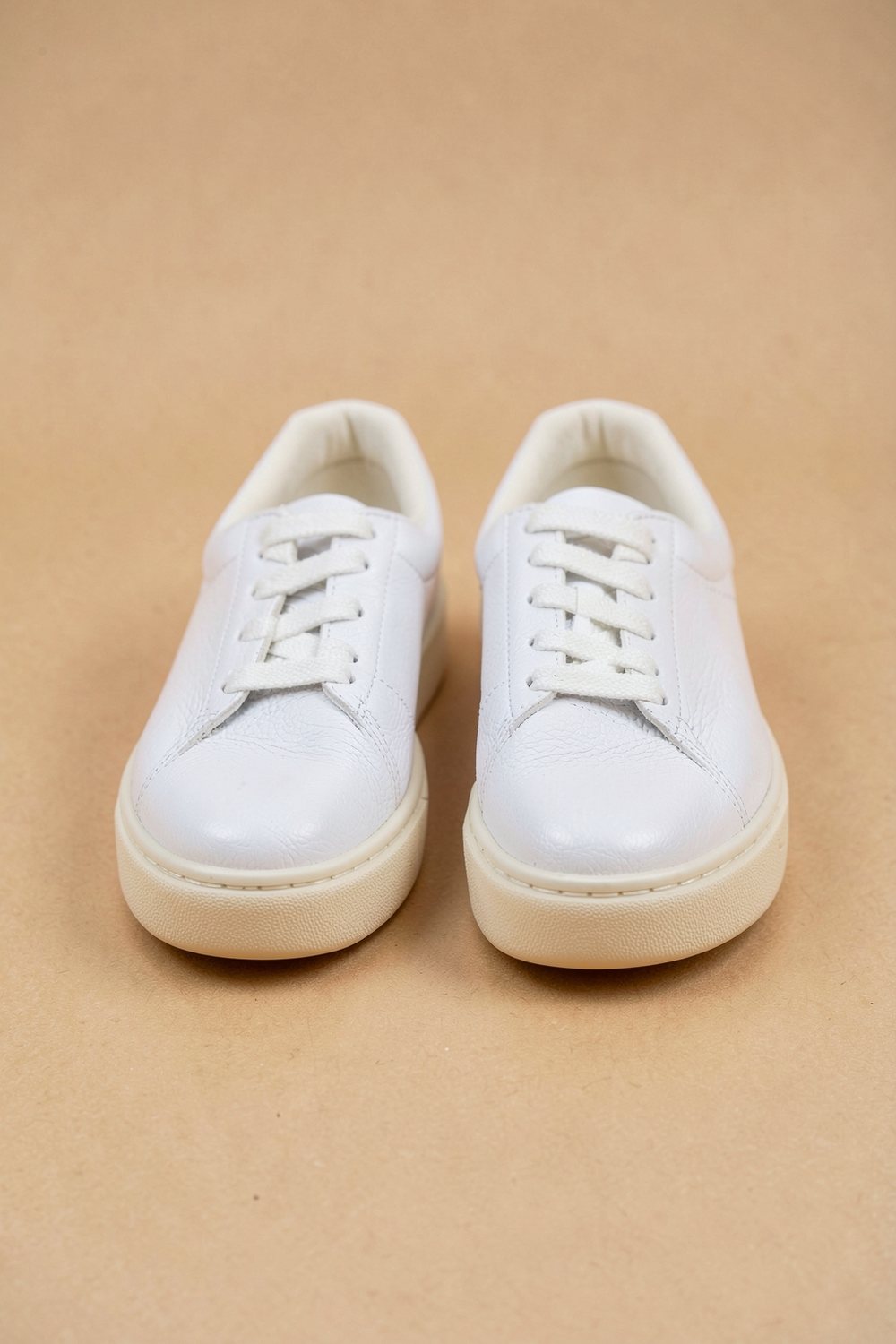 Footwear
Catalogue framing, no studio booking.
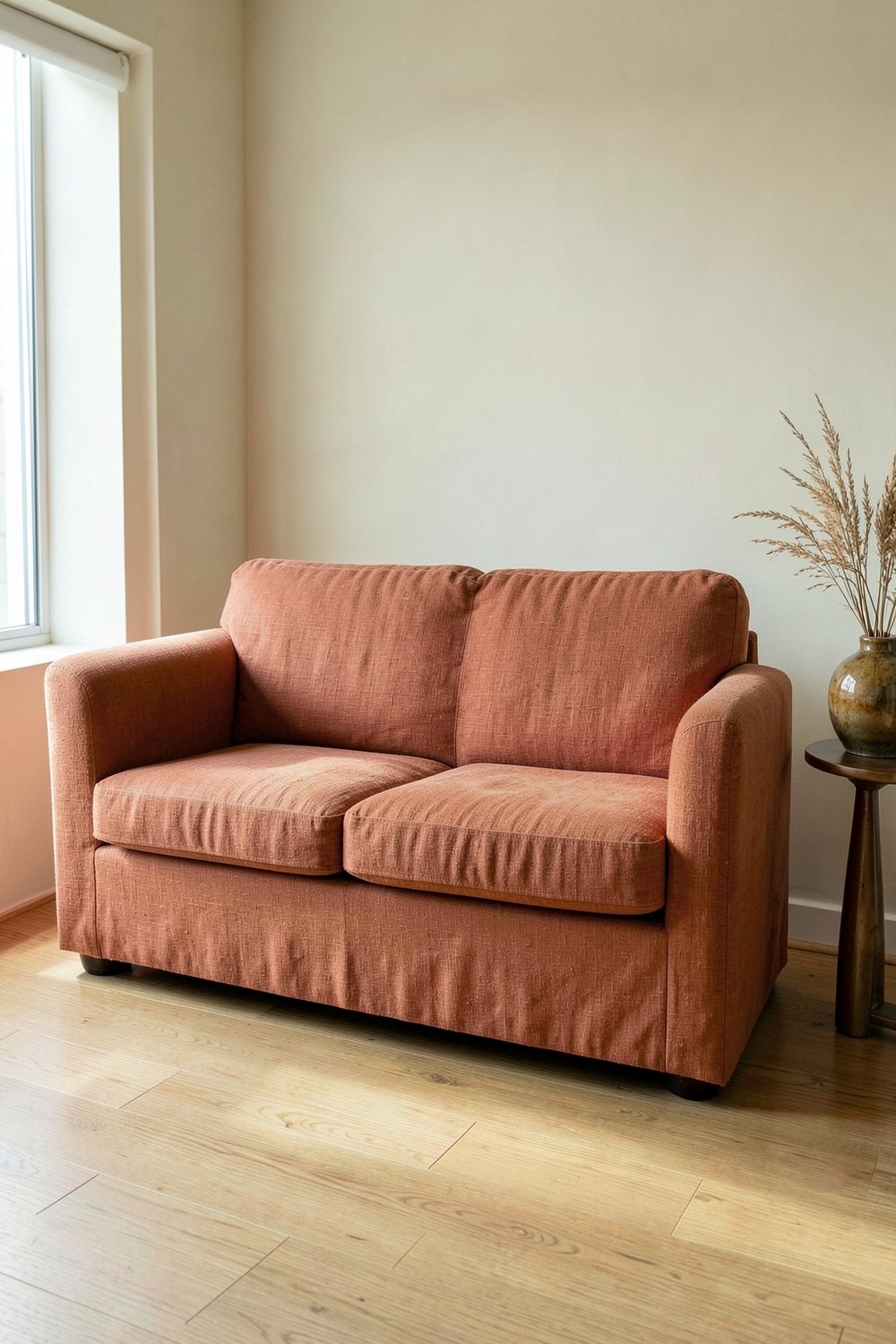 Home
Same sofa, new room, real morning light.
See the full set in the lookbook.
Pick the item, add any details you want, and render. Your words are used exactly as written.
Upload a garment, bag, shoe or furniture photo. The studio reads the design and measures the colour, then rebuilds the item in a new scene.
Works without a key — your photo still gets a studio render.
Add as many keys as you like — the app rotates them automatically. A free Gemini key is required for same-design try-on. Keys stay in your browser.
Job status: —
Add one clear photo of the piece, describe the shoot you want, and get a fresh campaign frame. Your scene words are kept exactly as written — we only add a photographic finish.
Honest limit: the free AI pool allows a limited number of renders per day. If it runs out, the exact reset time is shown here.
The studio changes its framing, lighting and prompt structure based on what you upload.
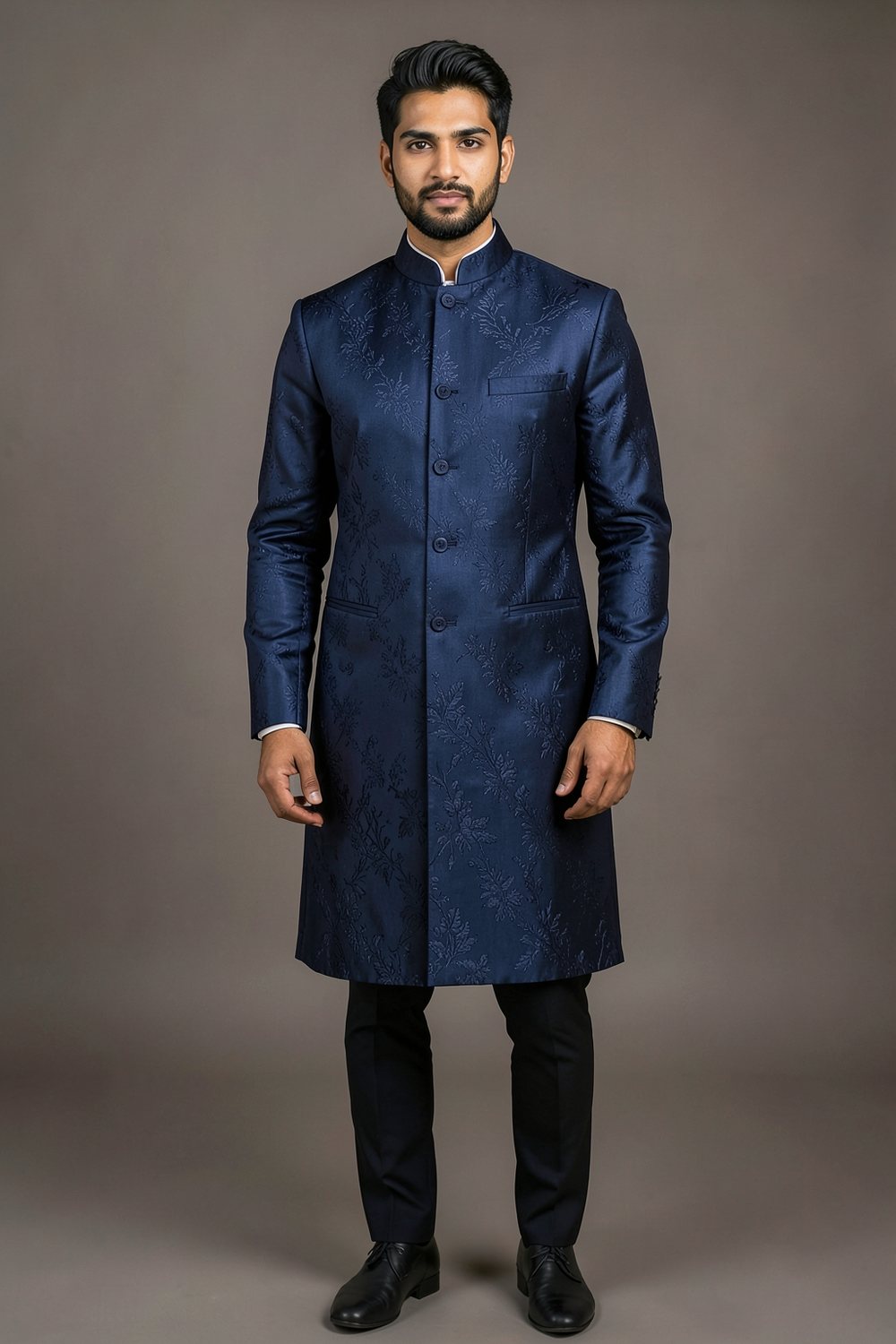 Apparel
Kurtas, shalwar kameez, sarees, lehengas, sherwanis and suits — shown on a model with the fabric, print and embroidery kept in place.
AccessoriesProduct-only framing with no model: seamless backdrop, softbox light and the hardware left exactly where it belongs.
HomePlace a piece in a real room — limewash walls, oak floors and window light — so customers can see it in context.
Pick a category, or leave it on Auto and let the studio decide.
Everyday and formal South Asian cuts, with embroidery kept intact.
ApparelDrape, border and zari work preserved on a standing model.
ApparelStructured tailoring, tonal embroidery and mandarin collars.
ApparelGrain, stitching and hardware, shot as a clean product still.
AccessoriesPairs framed straight-on, catalogue ready, no studio required.
AccessoriesSofas, curtains and decor placed in a believable room.
HomeThe hard part is not generating an image. It is keeping the item the same.
Vision models misname colour constantly. The studio strips colour words from the description and samples the centre of your photo instead, then locks the real palette into the prompt.
In Best AI mode your photo is sent to the model as a visual reference, so the silhouette, print and hardware stay anchored to the original.
Your scene is sent exactly as typed. We only add lighting, lens and realism — never a new brief, never a colour change.
There is no sign-up, no trial timer and no payment page. Open the studio and render.
A design-locked render typically lands in 5–15 seconds. Re-rolling a variation reuses the same brief and only regenerates the frame.
If the AI allowance is spent, the studio falls back to a free renderer, and finally to a pixel-locked studio cut-out of your exact item.
No account. No install. No card.
A garment on a hanger, a bag on a table, a sofa in a showroom. Clear, evenly lit photos read best.
Choose a category so the studio knows what it is looking at — or leave it on Auto.
Optional. Anything you type is used exactly as written: colour, fabric, scene, pose.
Get a 1024×1536 frame, re-roll a variation, or switch to Same photo for your exact pixels.
Six honest examples — no enterprise buzzwords.
Photograph one kurta and produce a full set of on-model frames without booking a shoot.
Turn a phone photo of a bag into a clean, consistent product still for every listing.
Re-roll the same item into new scenes for a week of posts from a single upload.
Show a sofa in a believable room so buyers can judge scale and colour in context.
Build a launch page before the samples arrive, then swap in real photography later.
Check how a print or embroidery reads at full-body distance before cutting fabric.
The studio runs on a free daily AI allowance. When it is spent, the fallback renderer takes over until it resets.
$0/forever
No upgrade button, because there is nothing to upgrade to. If that ever changes, this page will say so.
Upload a photo and watch the studio rebuild it in a new scene.
Open the studio